Step 1: Go to the Billing page
Sign in at zarzoom.com/login-launch, then click your account avatar in the top-right corner of the dashboard. Select Billing from the drop-down menu. This opens your Billing page, where you can see your current plan, next renewal date, and payment details.
Step 2: Click 'Change plan'
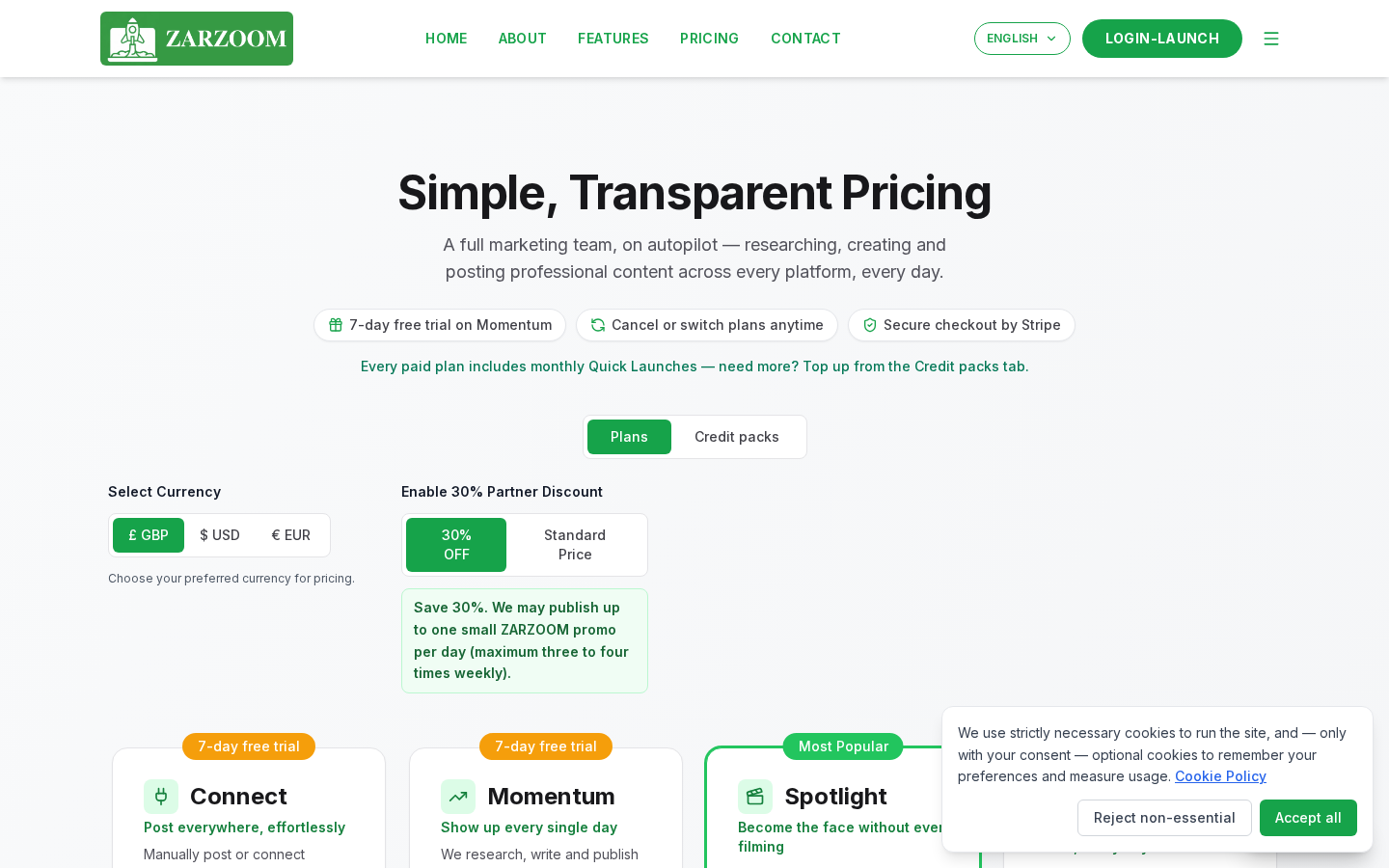
On the Billing page, locate the Current plan section and click the Change plan button. A plan comparison screen will appear showing all available ZARZOOM plans side by side.
Step 3: Select your new plan
Review the plan options and click Select under the plan you want to move to. You can move to a higher plan (upgrade) or a lower plan (downgrade) from this screen.
Step 4: Confirm the change
A confirmation dialogue will appear summarising what will change and when. Read the details carefully — the timing differs depending on whether you are upgrading or downgrading (see 'Good to know' below). Click Confirm change to apply your selection.
Step 5: Check your confirmation
Once confirmed, the Billing page will refresh and display your updated plan status. If you upgraded, your new plan is active immediately and any additional features are available straight away. If you downgraded, the page will show the date your lower plan takes effect — this is the last day of your current billing period.
Step 6: (Optional) Cancel your plan
If you want to stop your ZARZOOM subscription entirely, you can do this at any time from the same Billing page. Click Cancel subscription in the Current plan section, then follow the on-screen prompts to confirm. Your access continues until the end of the period you have already paid for.
If you are on the 7-day Momentum trial
When you first start ZARZOOM, you have access to a 7-day Momentum trial. During this period you can explore the product before any charge is made.
- To upgrade to a paid plan before the trial ends, follow Steps 1–5 above. Your paid billing period starts from the date you upgrade.
- To cancel before the trial ends, follow Step 6 above. You will not be charged.
- If you take no action, your subscription will move to the paid plan you selected when you signed up, and billing will begin automatically at the end of the 7-day period.
Good to know
- Upgrades apply immediately. As soon as you confirm an upgrade, your new plan is active and all features associated with it become available. You will be charged the difference for the remainder of your current billing period.
- Downgrades take effect at period end. If you select a lower plan, you keep your current plan's features until the last day of the billing period you have already paid for. The lower plan then activates automatically on your next renewal date.
- You can cancel at any time. There is no minimum contract. Cancelling stops future charges but does not remove access until your paid period expires. You can resubscribe at any time by returning to the Billing page at zarzoom.com/login-launch.